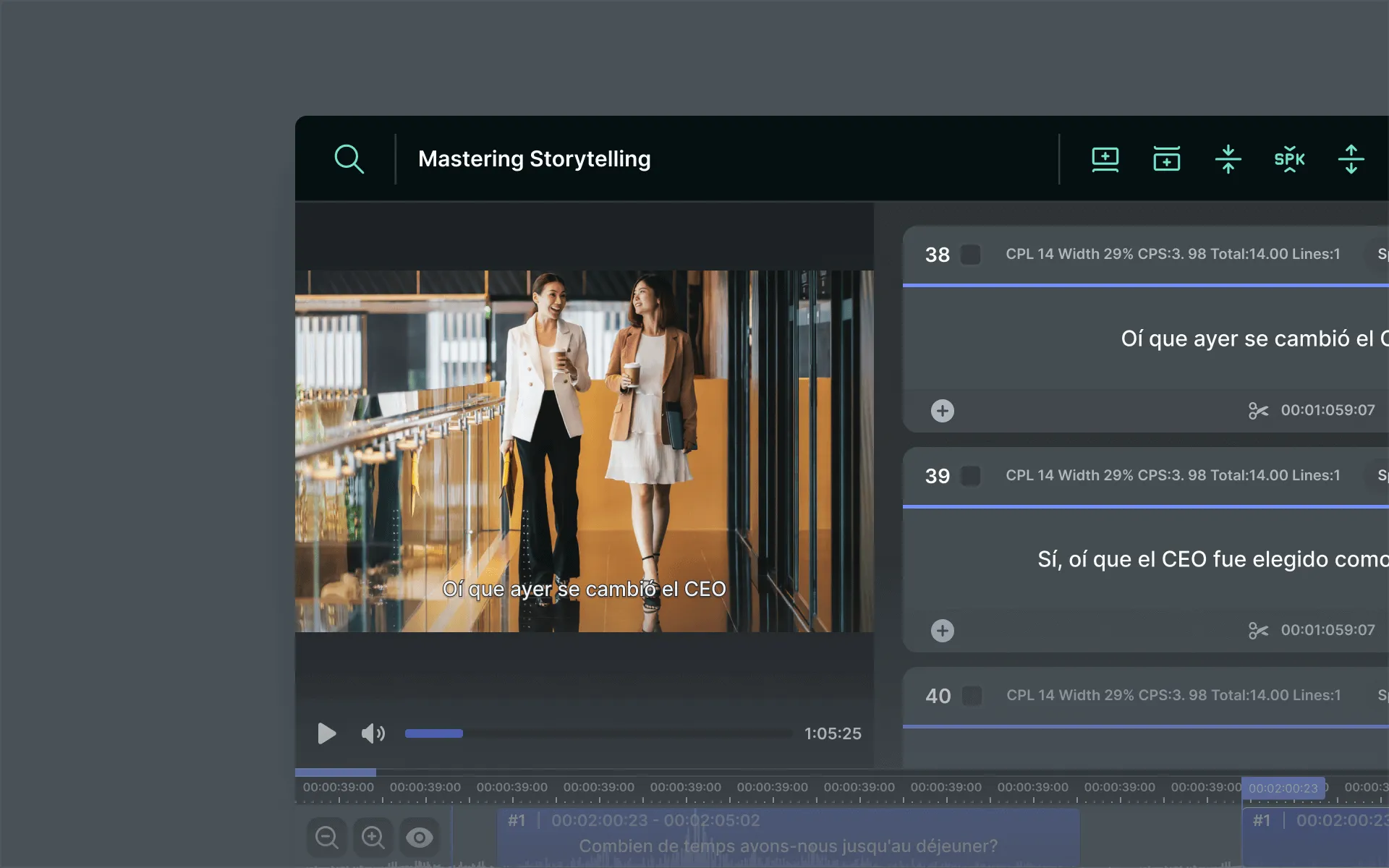
Efficient Editing Tools
The MediaCAT Editor leverages AI to significantly boost work efficiency. It detects potential errors early in both the transcription and translation editing phases, offers automatic validation for optimized subtitle output, and utilizes translation memory and terminology databases to expedite the editing process.
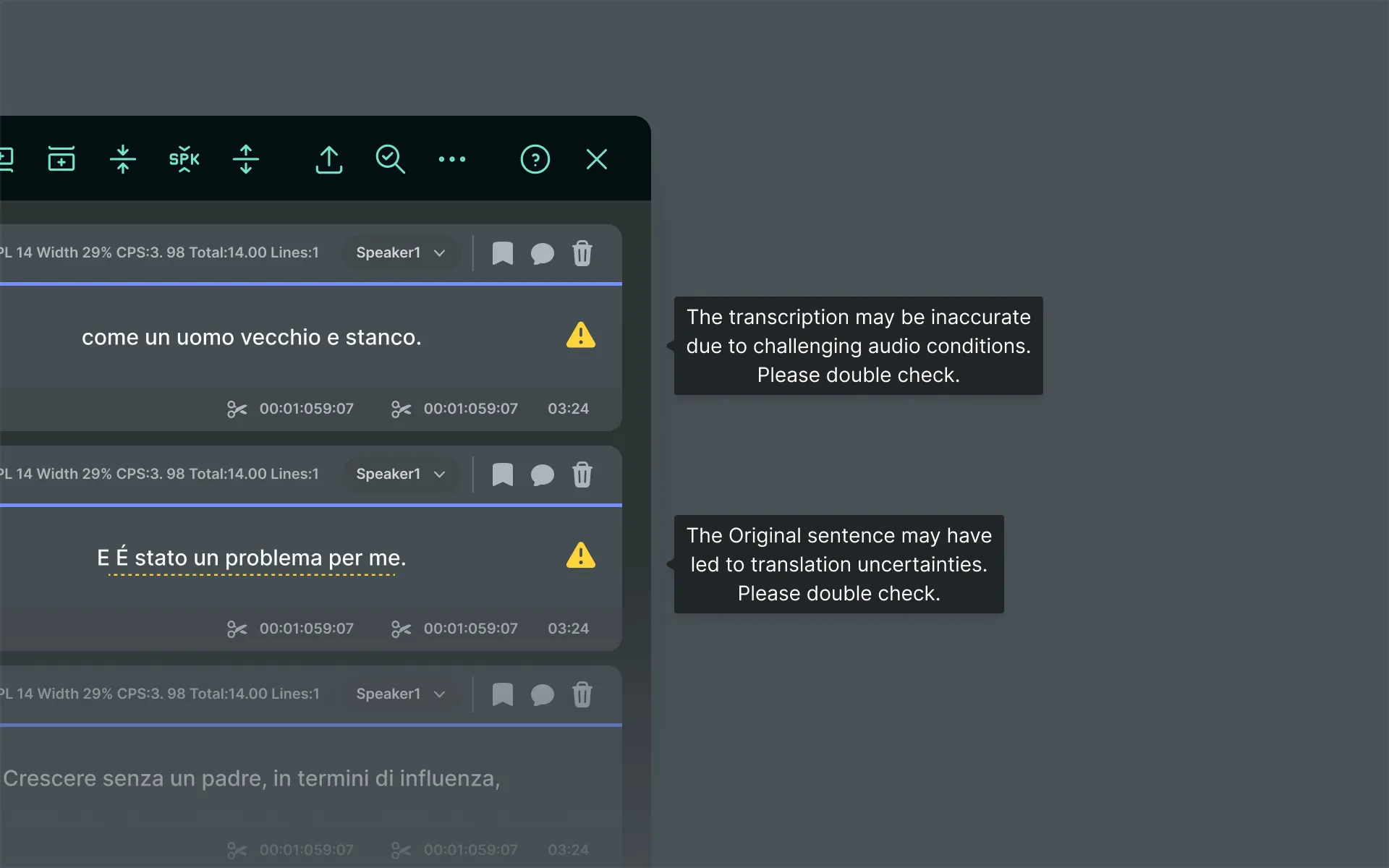
AI Powered QC
Harnessing the power of AI, our editor is able to analyze key metrics to revolutionize the editing process by automatically flagging potential errors within translations and transcriptions results. Our aim is to reduce the time spent on QCing by pinpointing potential errors so they can be rectified with ease in the HITL process.
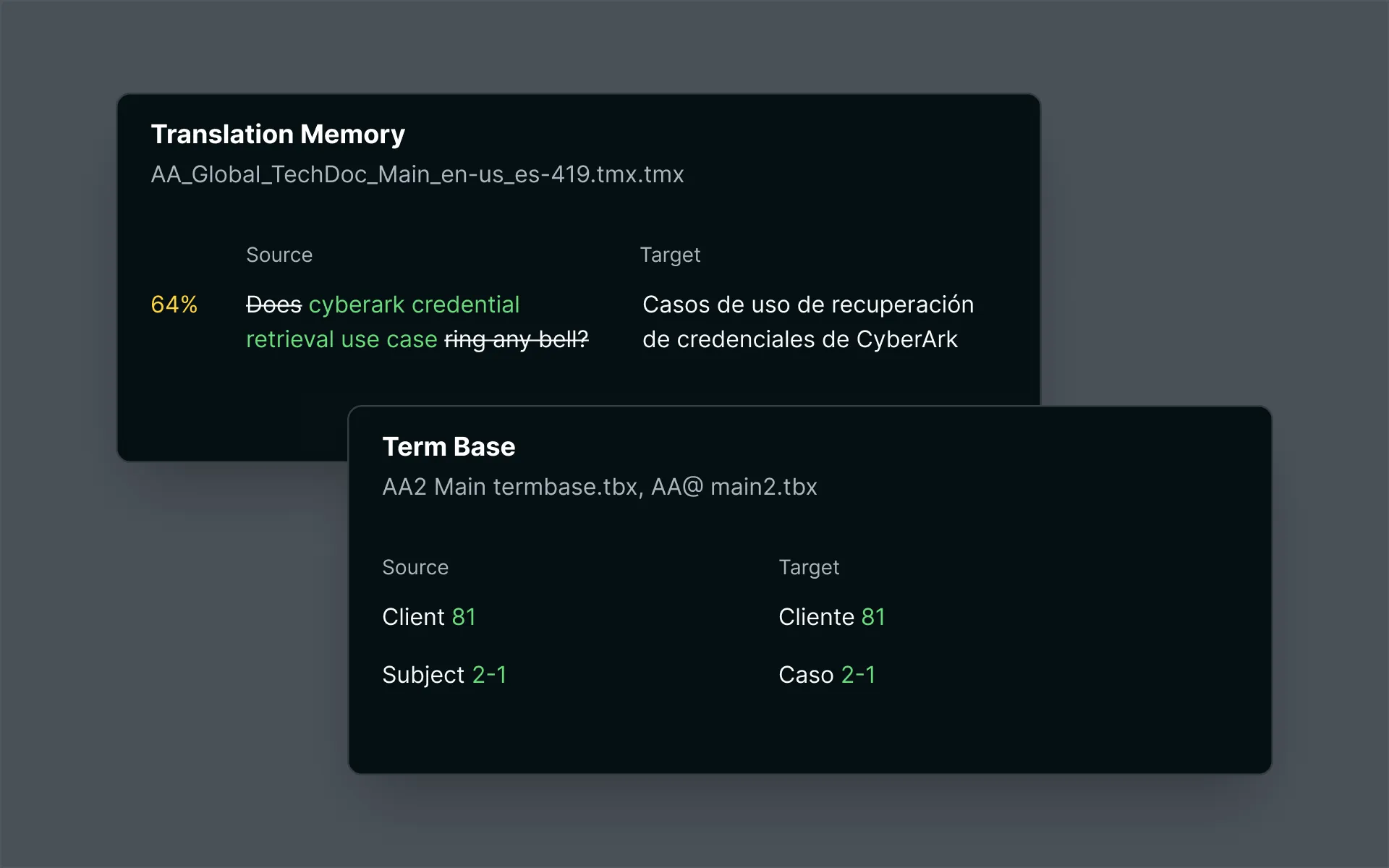
Translation Memory & Term Base Management
XL8's editor boasts the capability to simultaneously utilize multiple translation memory and term base files. Upon applying TMX and TBX files to a project, our intuitive user interface enables effortless comparison of terms and phrases within the files with the subtitle content.
Automatic Validation
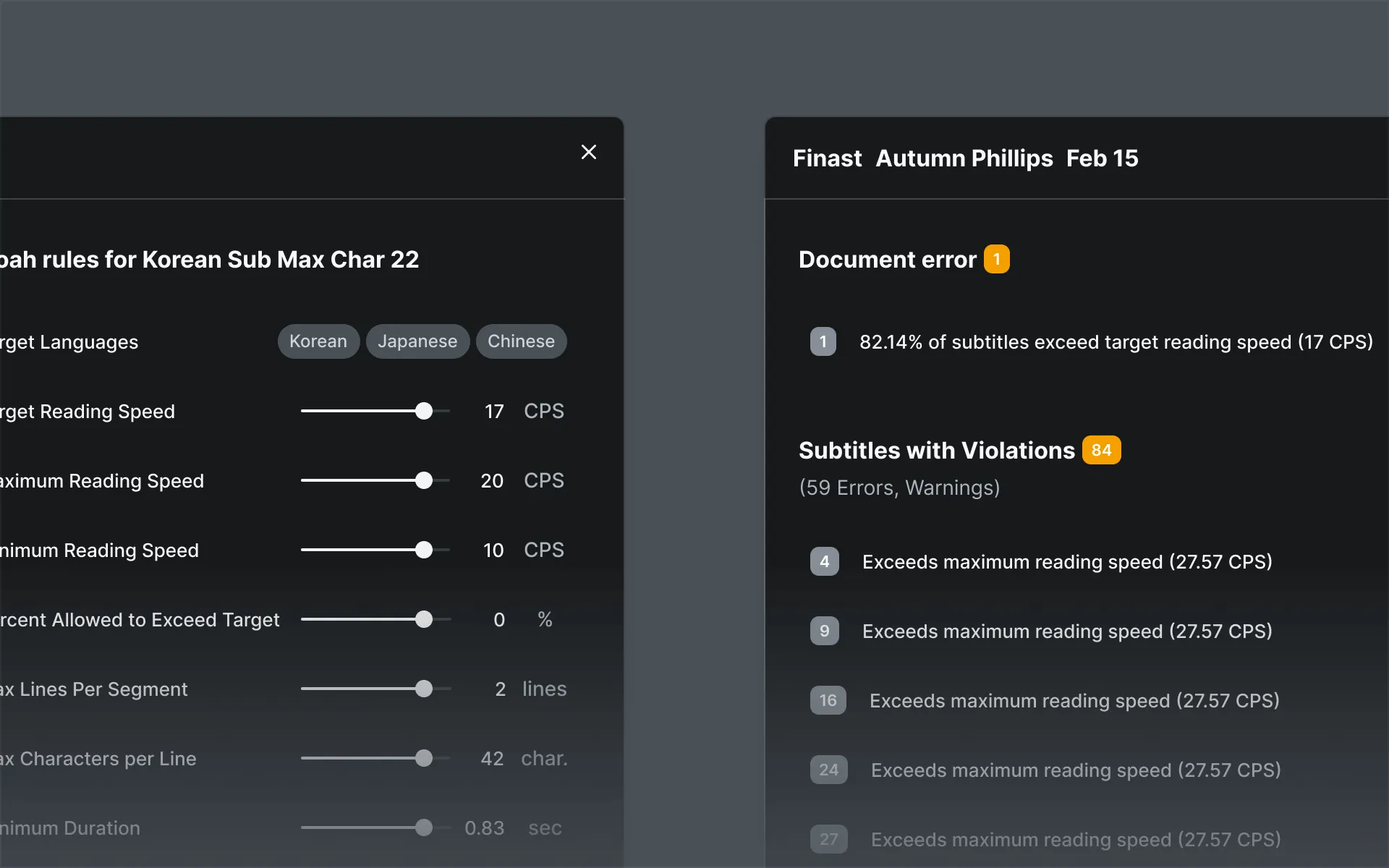
XL8's editor validates content using customizable validation guides, optimizing accuracy and efficiency for producing Sync and Translate subtitle outputs. Users have the capability to set specific validation criteria tailored to individual project requirements, ensuring a closer match with client specifications.
Word-level Timecode Information
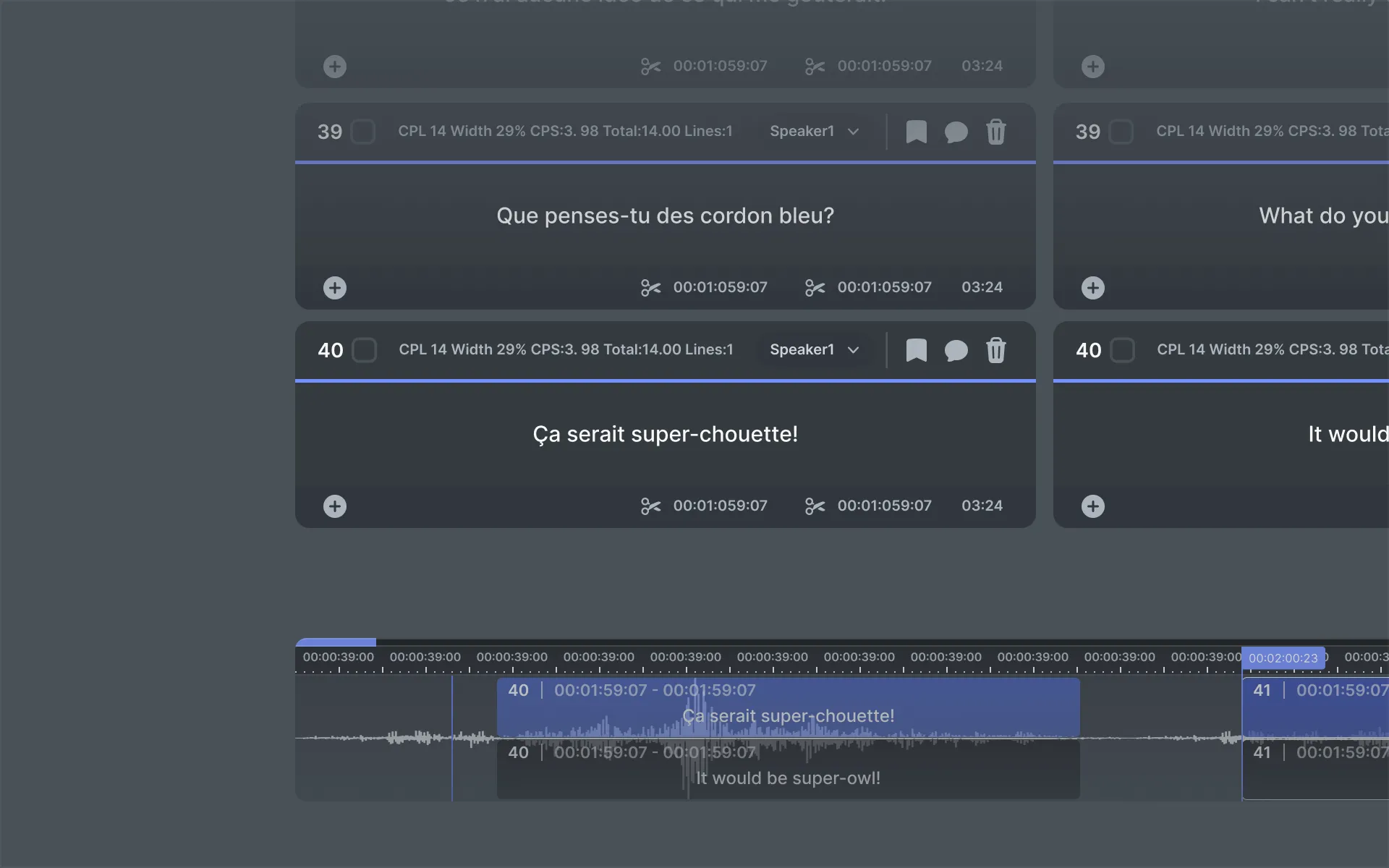
The content processed within our system enables our subtitle editor to accurately track timecode information down to the word level. This confers a significant advantage during post-editing, as the ability to shift words between segments prompts our editor to automatically adjust timecodes based on the timecode data associated with individual words.
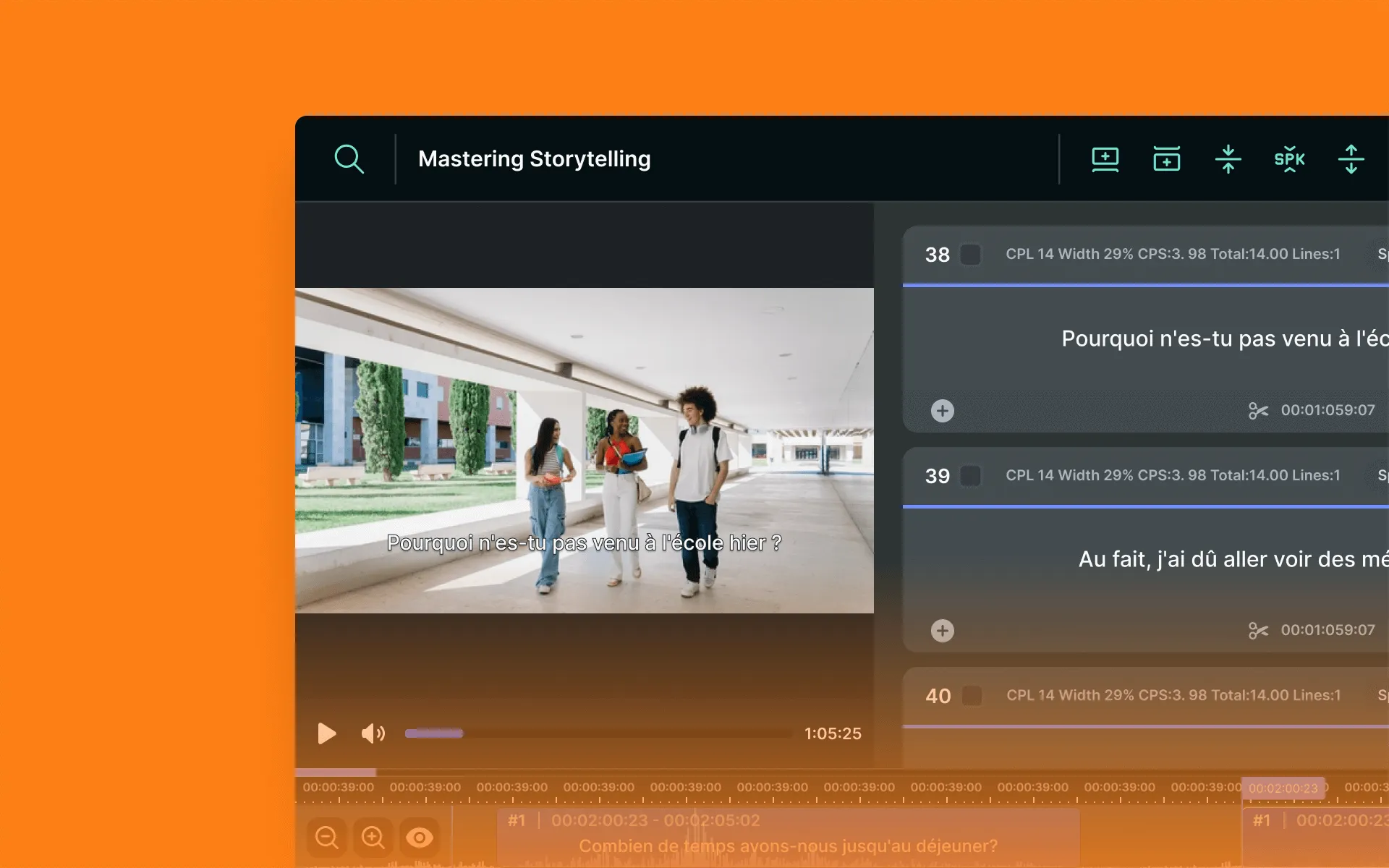
Intuitive UI
Via an intuitive interface, users can adjust details such as speaker identification and subtitle positioning. Additionally, our live validation feature enables users to instantly identify any subtitle events that deviate from specified specifications, ensuring the utmost accuracy in the content creation process.